
With the rise of video in the surgical education space as the preferred way for students to learn, filming high quality video is a necessity. However, many cameras that are built specifically for filming surgery forgo high resolution and bit depth in order to focus on visualization. The result is that while a surgeon may be able to capture footage of a case, watching it back is rarely a pleasant or useful experience. Many surgical videos are subject to poor focus and washed out colors. As expectations for video quality have risen, the expectation for surgical video has increased as well. Much of what makes a great image comes down to a device's sensor and how much image data it captures.
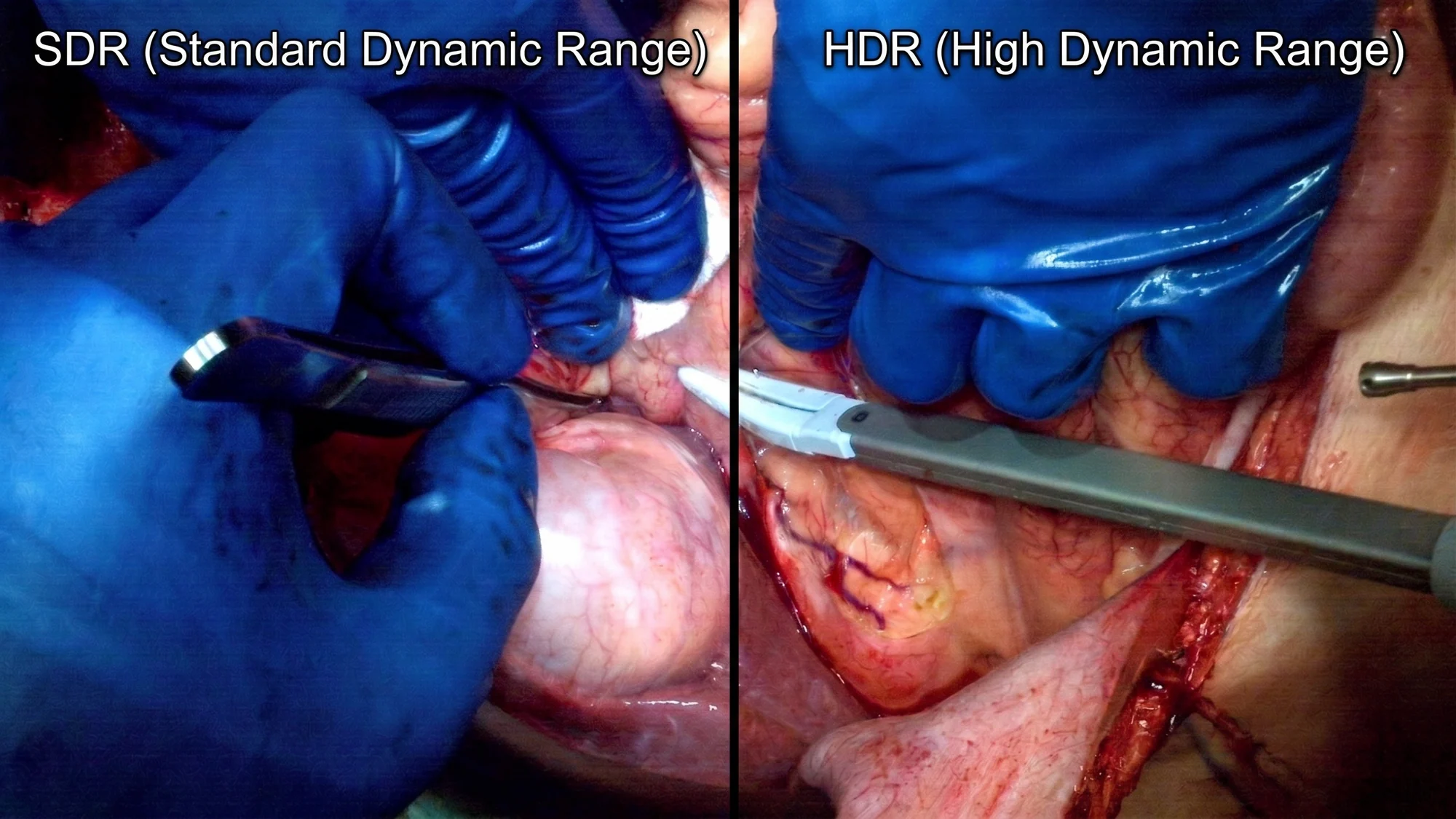
Surgical lighting creates a specific problem. A spotlight lit field next to a shadowed cavity is often very likely to appear in the same shot. A standard single exposure can’t hold the detail in both and the most important parts either blow out or are too dark to read well. Titan’s 4K HDR Mode addresses this by having the sensor take more than one exposure per frame and fusing them before the image leaves the camera. The result holds detail in both the bright and dark parts of the frame instead of forcing a choice between them. This is especially relevant to the bit depth discussion above, as the higher bit depth works in conjunction with the HDR mode to create clean, readable images.
Titan 4K HDR records at 1080p, 1440p (2K), or 2160p (4K). Higher resolutions preserve more detail for teaching and publication while lower resolution saves storage for routine documentation. AI training sets and other clinical studies may require certain resolution requirements for footage.
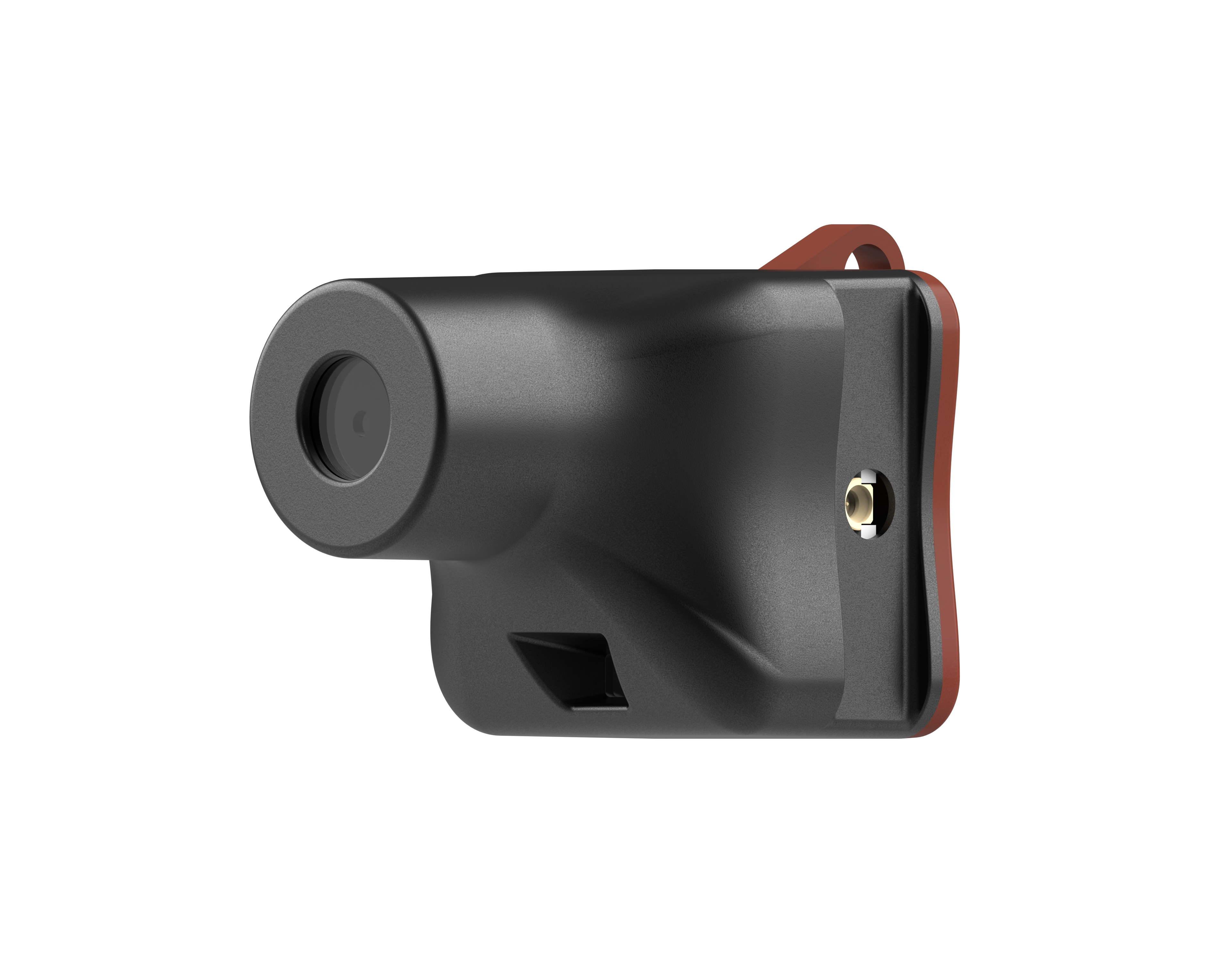
Not every procedure gives a surgeon the same working distance from camera to incision. To make sure that every procedure is covered the Titan 4K HDR has three lens sizes. Titan has a 15.8mm, 9.6mm, and 7.5mm camera module so a surgeon never has to compromise on image quality to fit their setup.
For the wider field and longer working distance the 9.6mm and 7.5mm lens captures the full context of what’s happening. For tighter and more close up views the 15.8mm brings the camera in for detailed work in confined spaces, without sacrificing resolution.
Titan’s Image Tuning Panel covers White Balance, Saturation, and Sharpness, including a one touch calibration tool. For fine adjustments the system has a warmer/cooler balance bias, and manual red/blue color trimming. Together, these features allow the surgeon to dial in exactly the right color correction for each individual room with ease.
Once the system has set a white reference the surgeon can use the bias slider to make minor adjustments to the image to suit their preference. White Balance Calibrations can be stored under user profiles so a surgeon who works in the same OR’s regularly doesn’t need to calibrate their system each time they use it.
The Record Setting selector determines whether the saved file captures the full unzoomed point of view of the sensor or what’s on screen after a digital zoom is performed on the command tablet. A surgeon is able to set the tablet to always record the entire sensor's perspective, so that zooming and panning movements performed on the tablet's viewing screen are not written to the recorded file. This allows for viewers to zoom in and move around the field of view without changing the output of the recording. This feature is especially useful for viewers and students in the room who are interested in examining anatomy without interfering with the surgeon's final recording. The tablet commands are mirrored on a casting or streaming monitor, so everyone in the room is able to view them as well.
